Bernardo Zamora

FreeCell HD

Every deal is winnable — patience and skill get you there

Play free on Microsoft Store
3.7 from 9.9K ratings Free
  • Card & board
  • Windows PC & tablet
  • On the Store since 2012
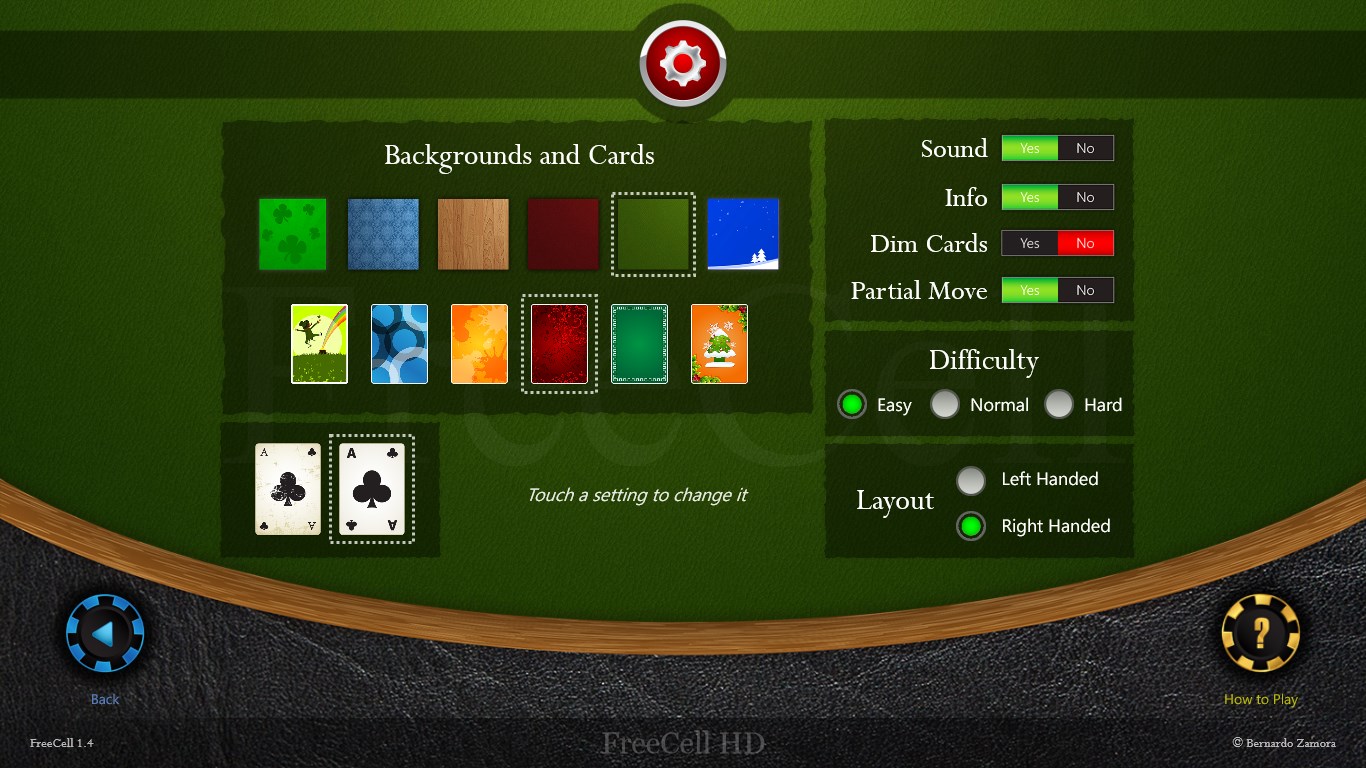
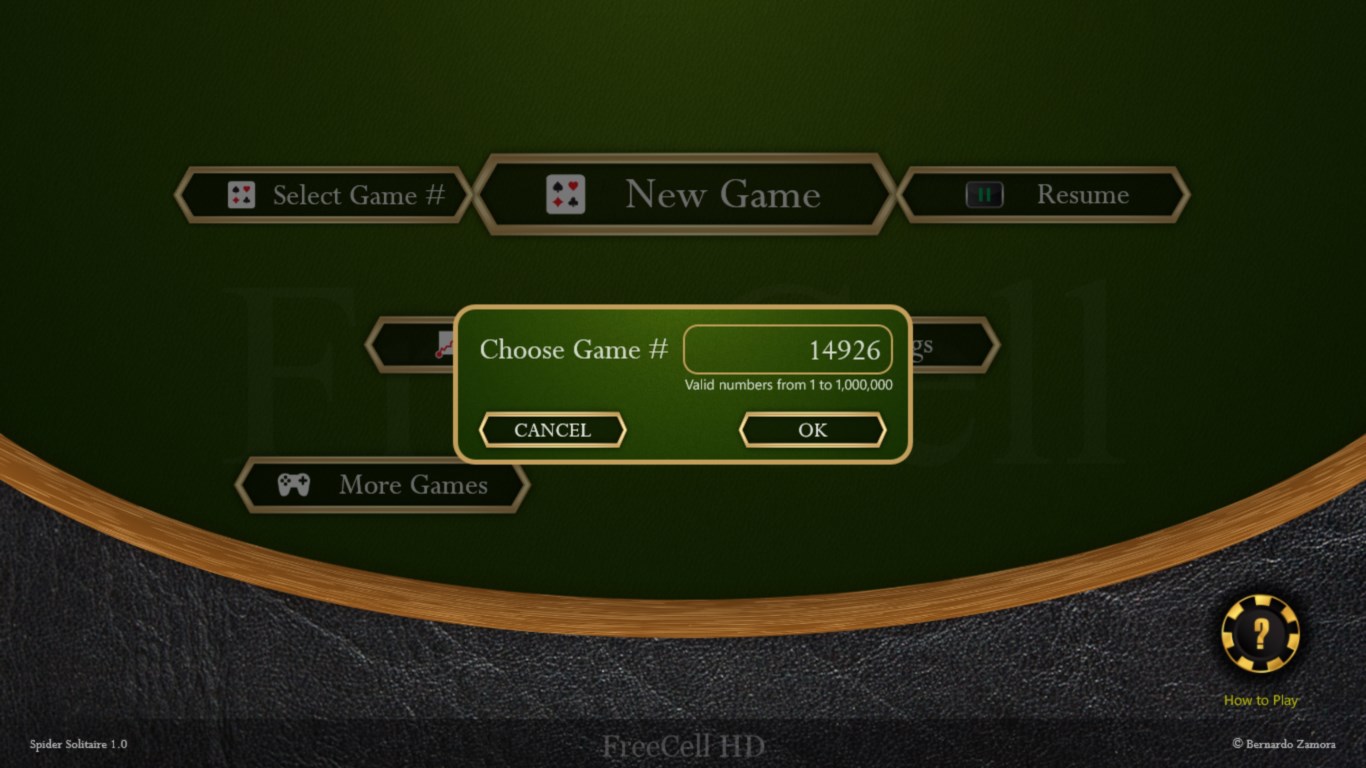
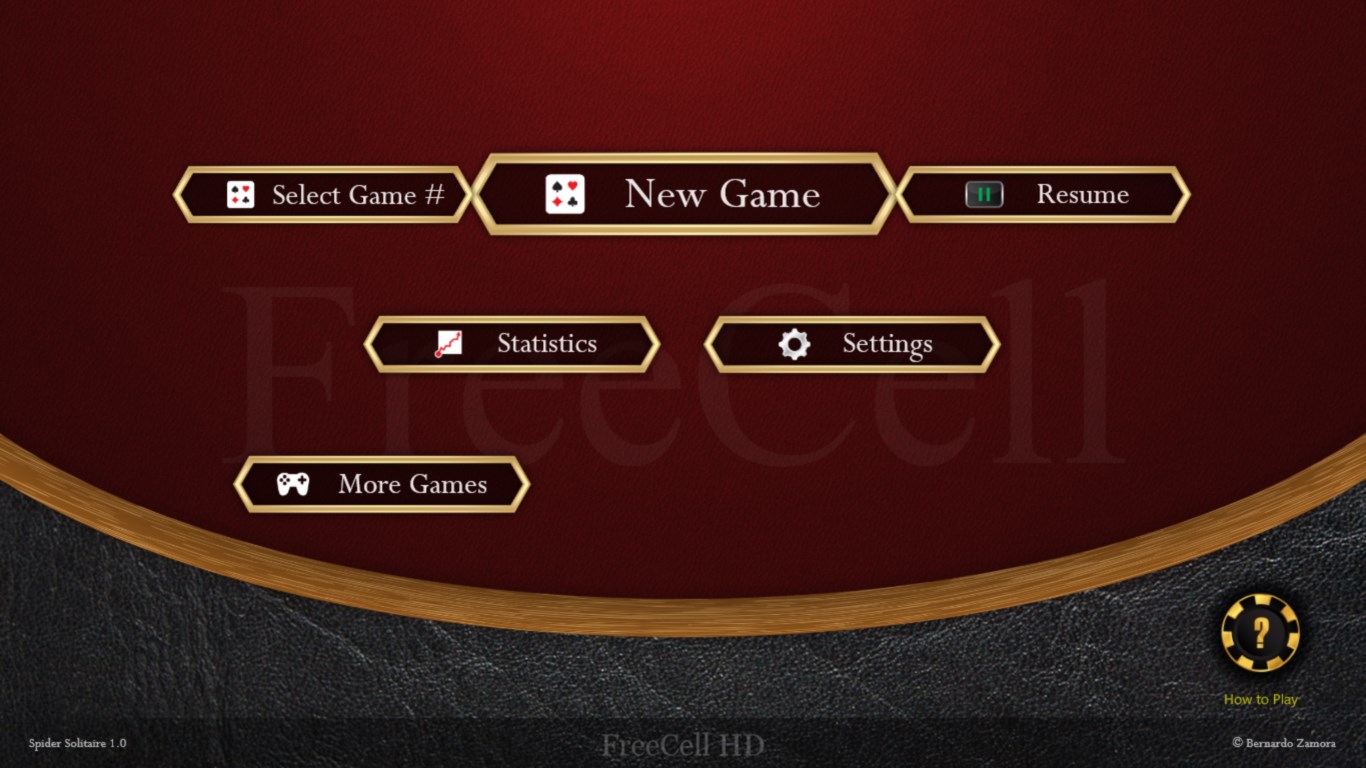
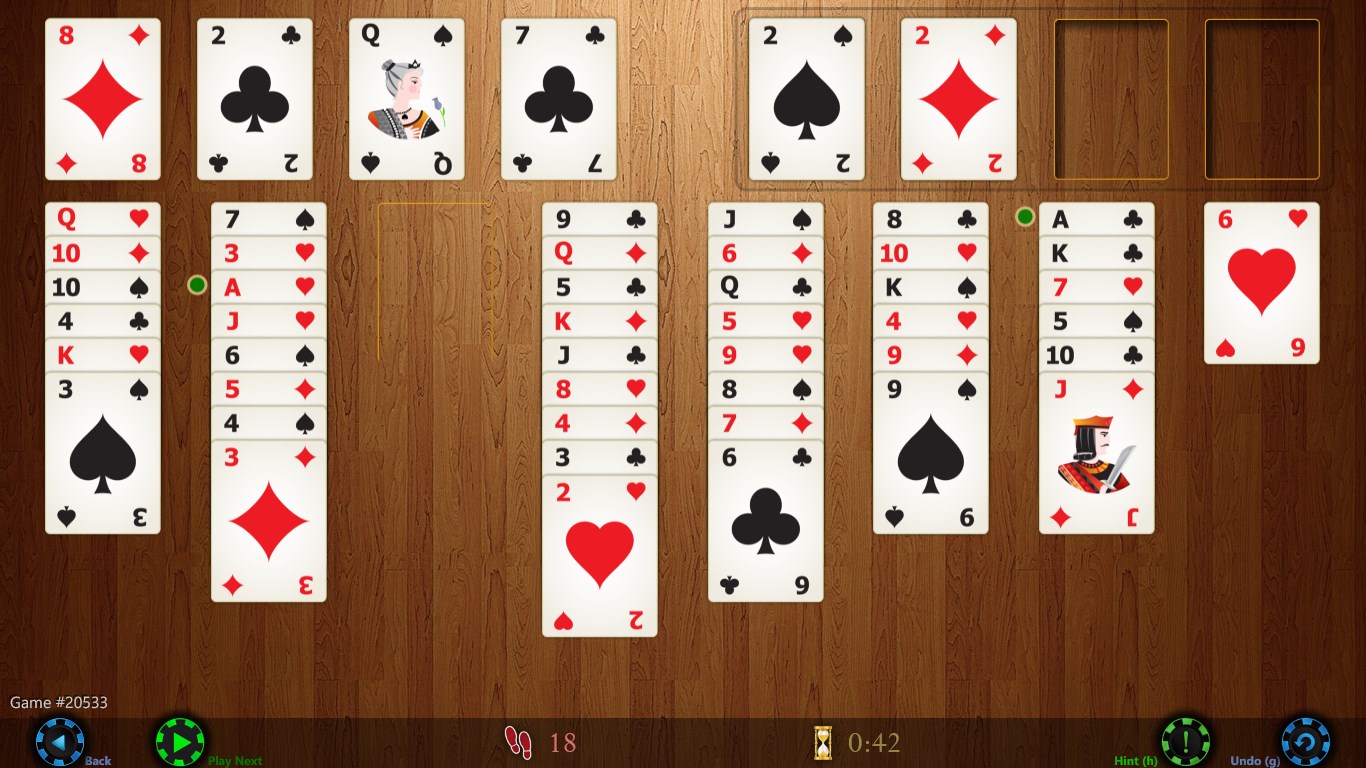
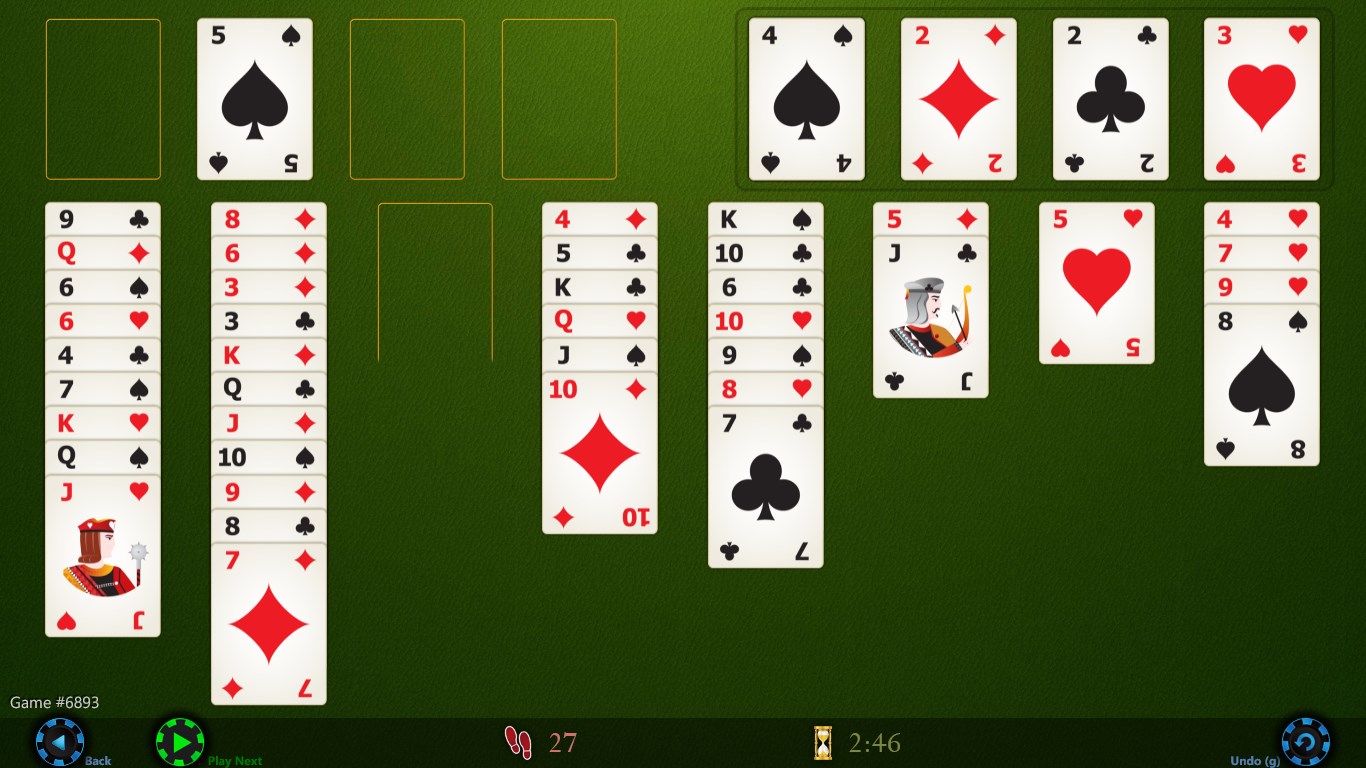
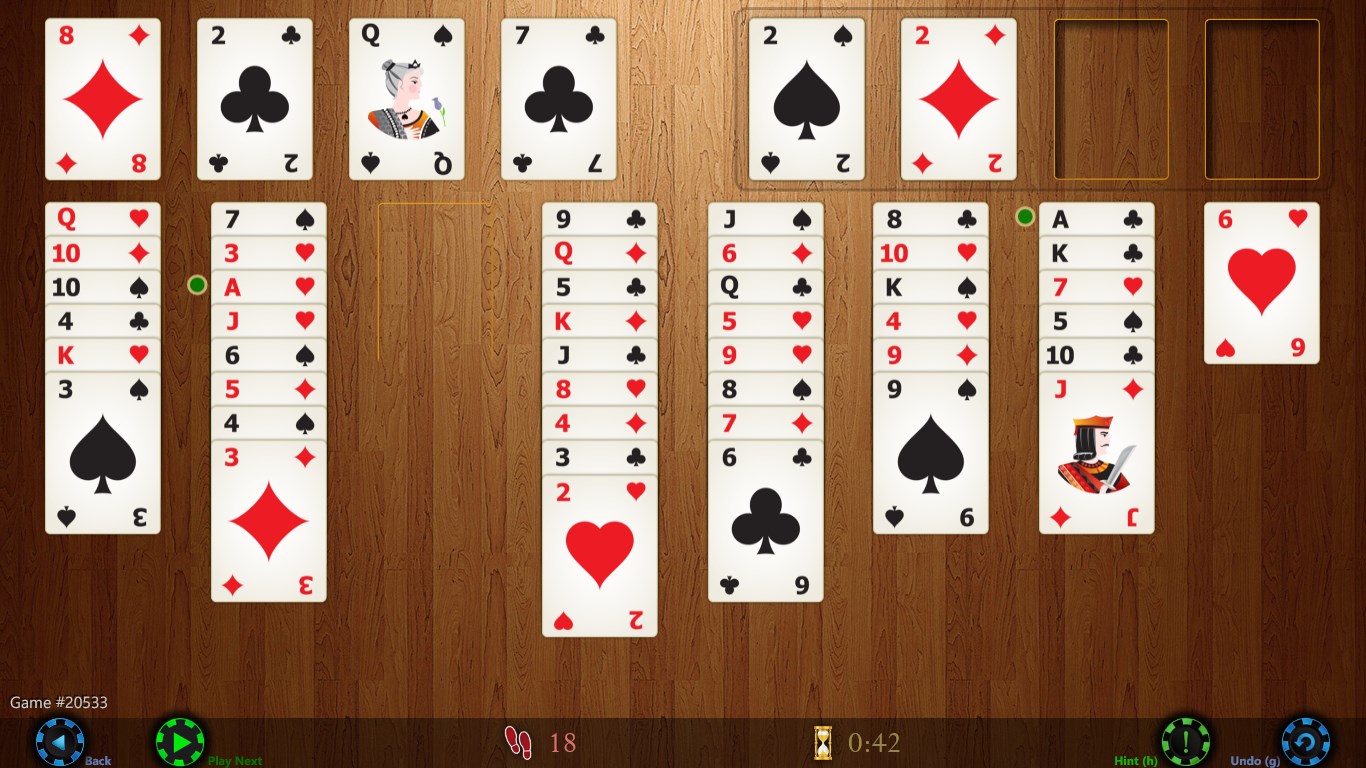
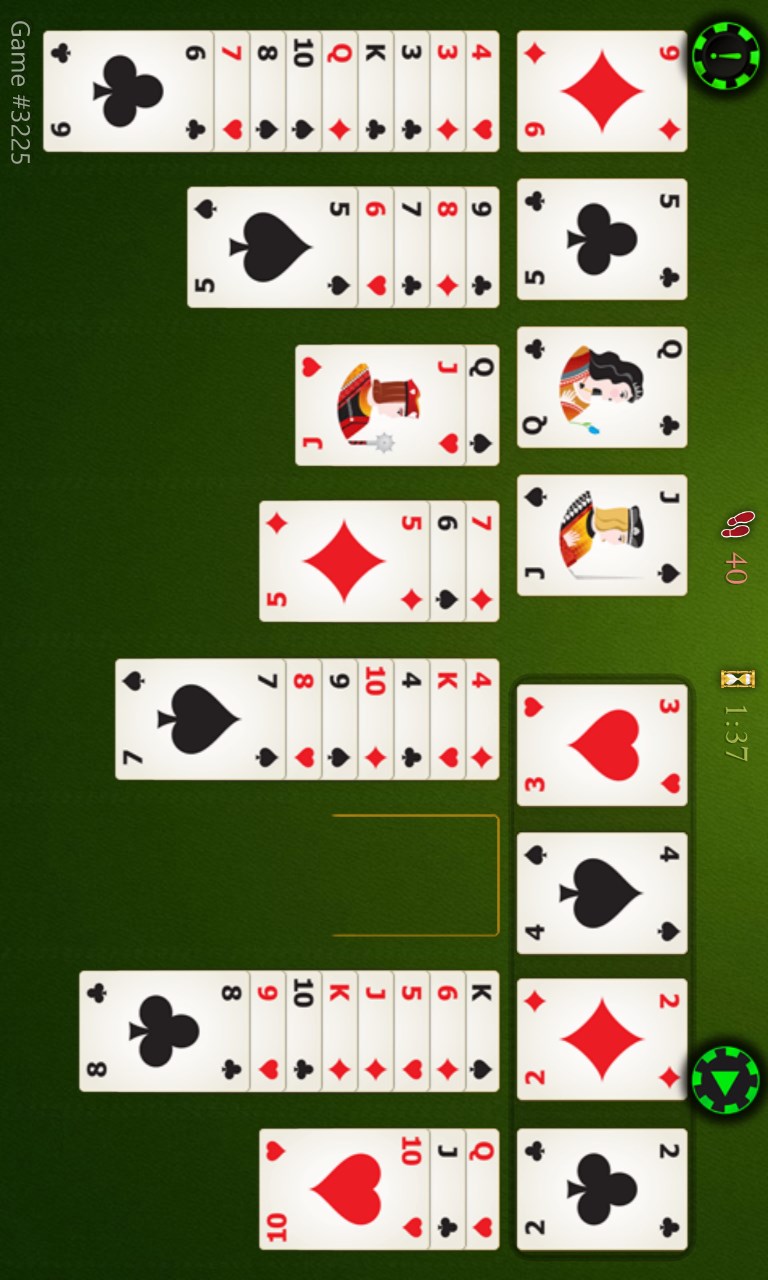
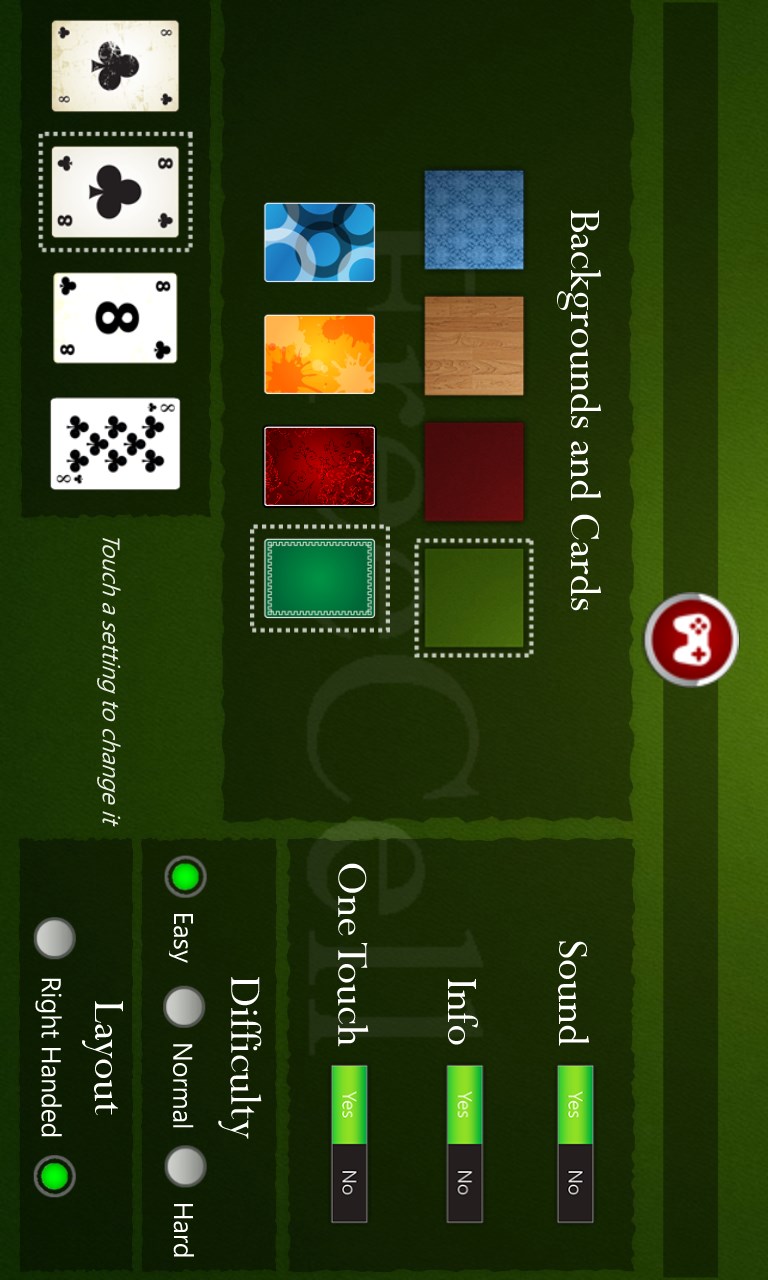
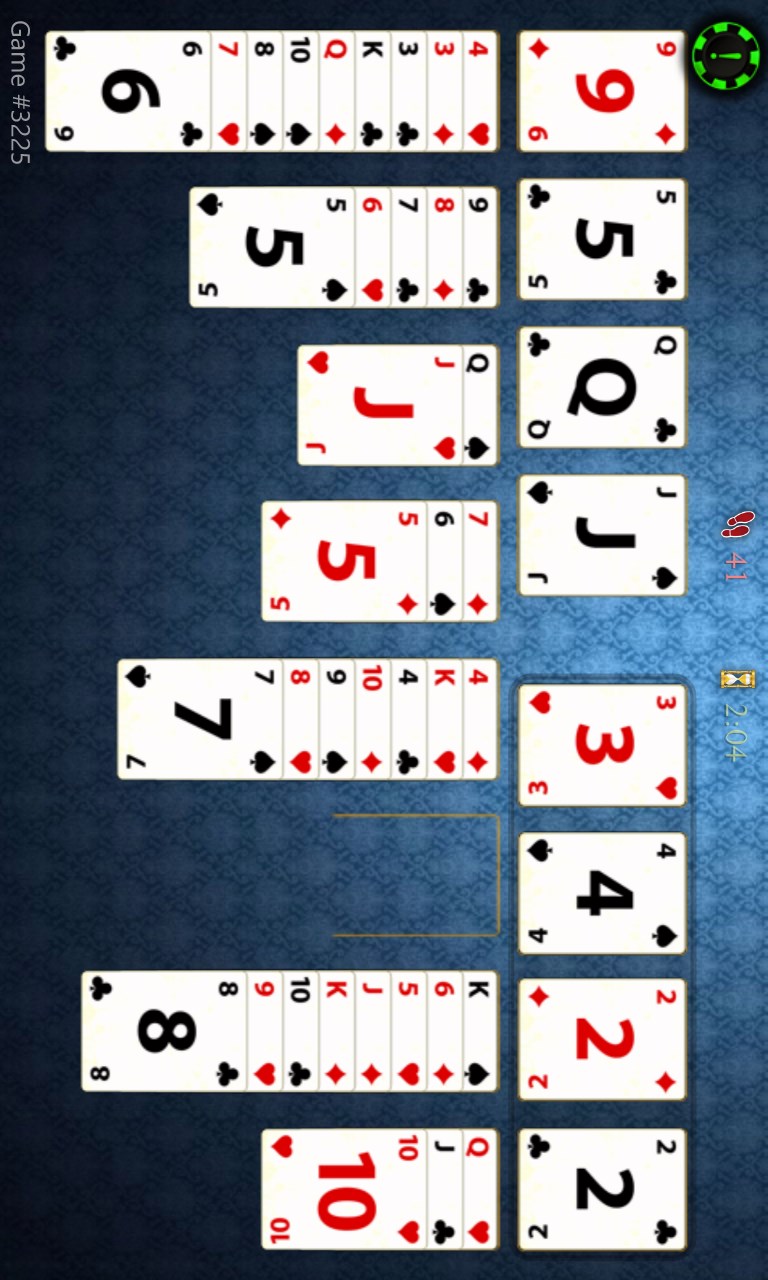
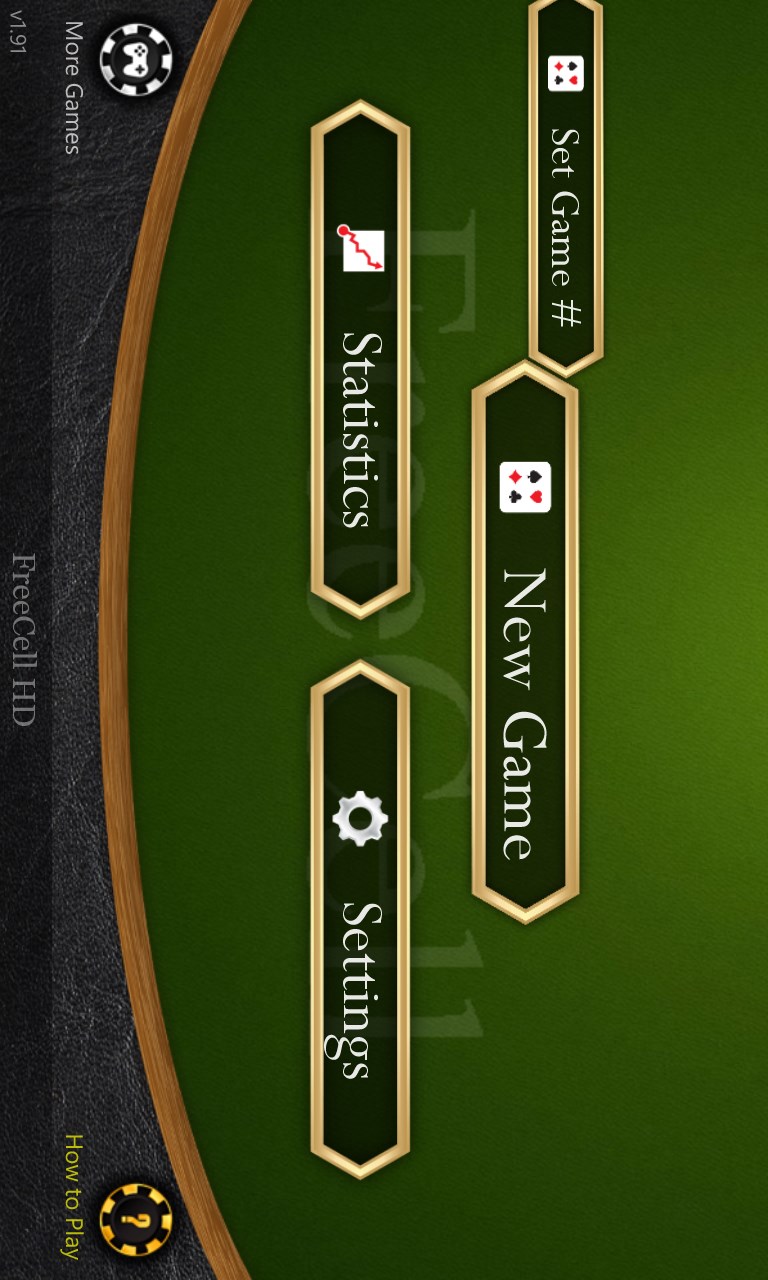
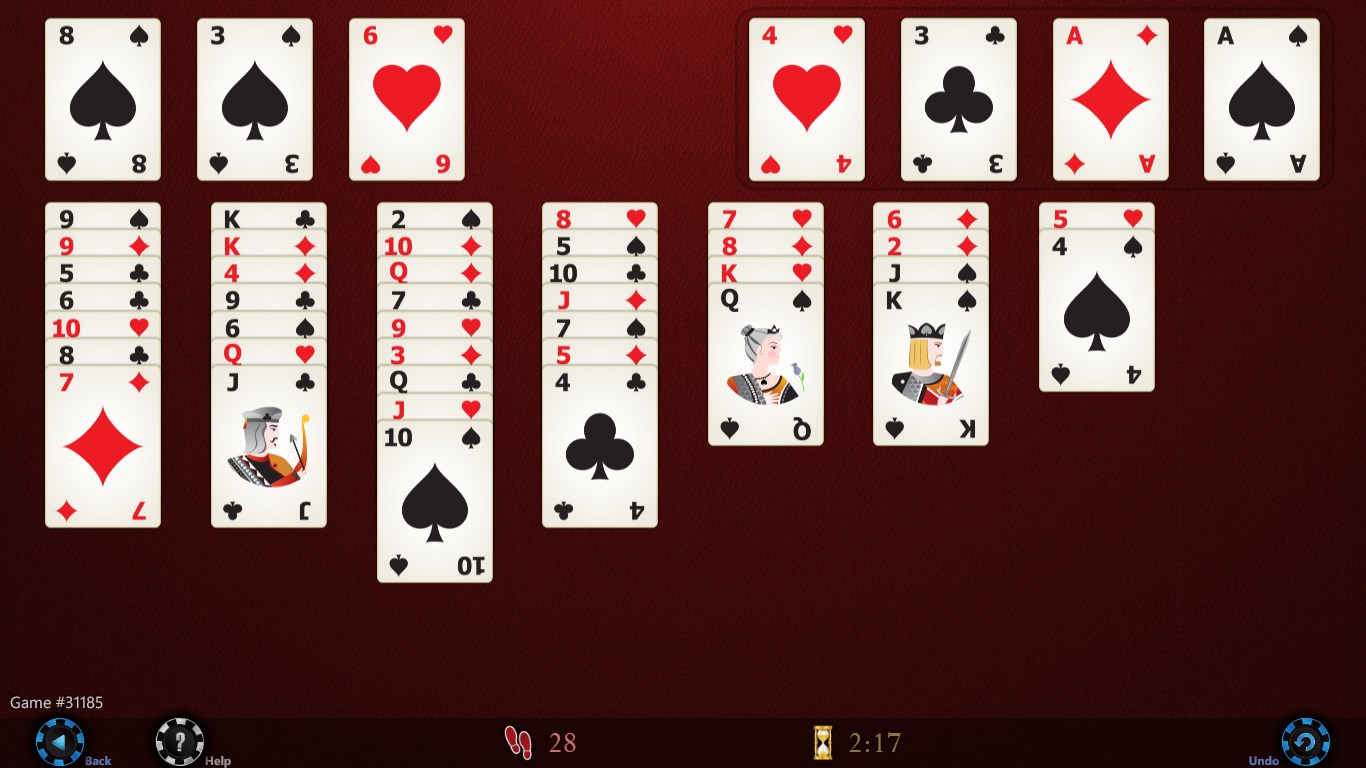
Or other graphic themesMany settings and optionsChoose any game #, from 1 to 1,000,000Easy to start new gamesMany graphic themes (wood)Track game statistics, and much more!With green backgroundClassic FreeCell for Windows 8FreeCell HD screenshot 9FreeCell HD screenshot 10FreeCell HD screenshot 11FreeCell HD screenshot 12FreeCell HD screenshot 13

How to Play FreeCell HD

FreeCell HD gives you that satisfying click of a well-planned move, cards gliding into place as a tricky sequence finally opens up. It is built for anyone who wants a thoughtful card game they can pick up for five minutes or lose themselves in for an hour.

  1. Open the app and choose a numbered deal or let it pick one for you
  2. Survey the eight columns and four free cells before touching a card
  3. Tap a column or drag a card to move it — whichever feels natural
  4. Use Supermove to shift multi-card sequences the moment the space exists
  5. Tap the hint button whenever you feel stuck, then decide whether to follow it

Controls

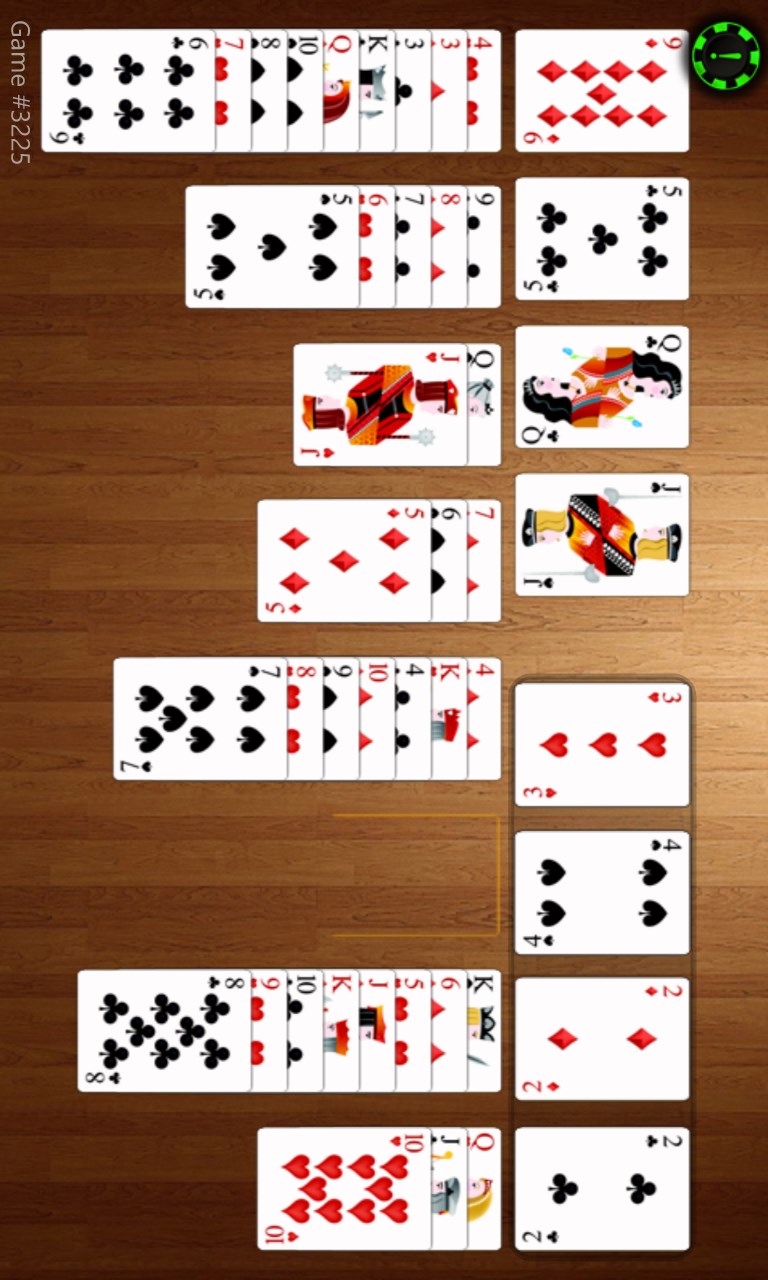
Move cards by tapping destination columns or by dragging them directly — switch between the two styles any time in settings. Left- and right-handed layouts are both supported, and the board rotates to horizontal or vertical to suit your device.

Scoring

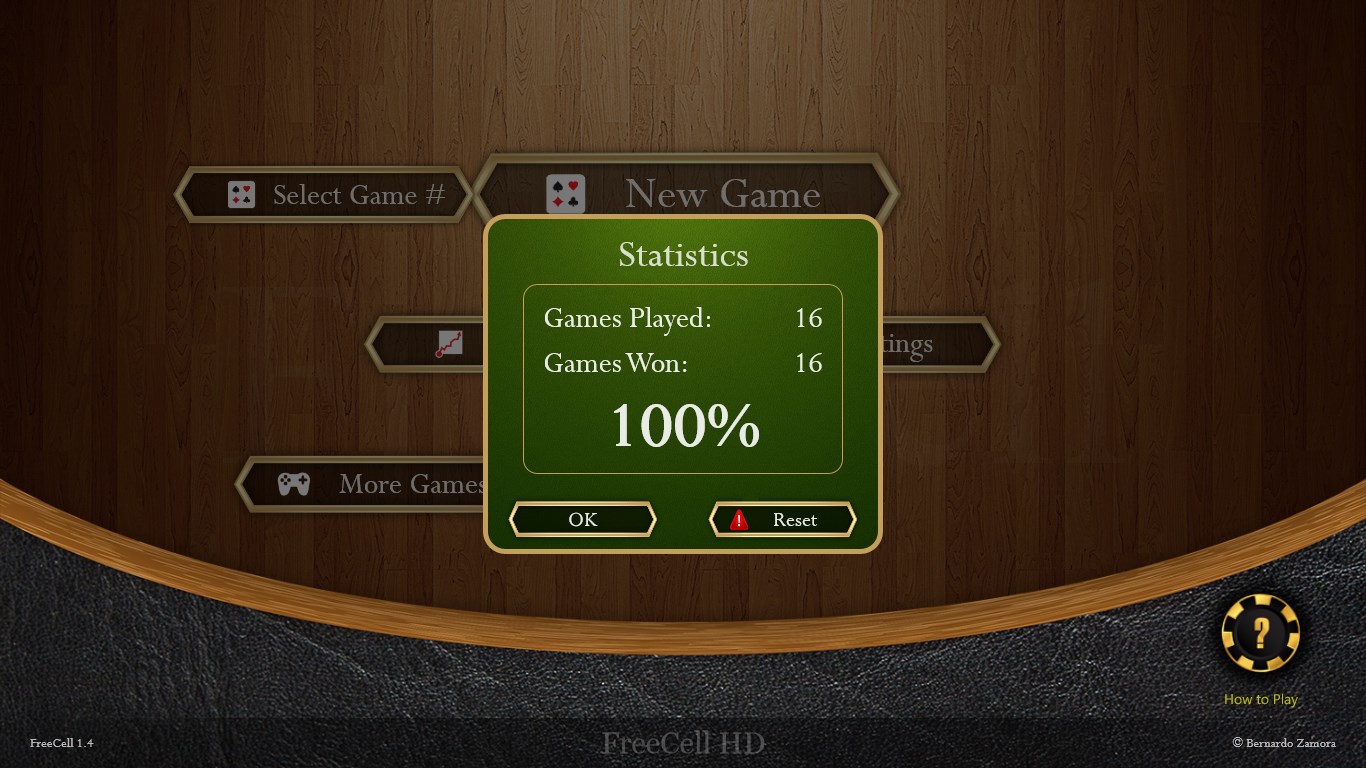
Your statistics screen tracks how many games you have solved over time, giving you a clear picture of your progress. You can reset the count whenever you want a fresh start.

When does a round end?

A round ends when all 52 cards have been moved to the four home foundations in suit order from Ace to King — or when you choose to undo your way back and try a different line.

Tips & Tricks

  • Empty a column early — free columns act as extra holding spaces and unlock longer Supermove chains
  • Pick a numbered deal you have solved before when you want a confidence boost; the game remembers every number in the standard FreeCell set
  • Turn on 'easier games first' if you are new to FreeCell; it sequences deals by how forgiving they are
  • Auto-save means you can close the app mid-game without losing your position, so never rush a move just to finish

Why people keep coming back

  • Supermove built in the game counts available spaces and moves the longest legal sequence for you
  • Pick your deal enter any number from the standard FreeCell set to replay a specific game
  • Unlimited undo step back as many moves as you need without penalty
  • Two input styles tap columns or drag cards, with no need to commit to one
  • Personalised layout choose card and board designs and flip the interface for left- or right-handed play
  • Auto-save progress close mid-game and return exactly where you left off

Content & audience

  • Suitable for all ages (ESRB E; PEGI 3; DJCTQ L; USK Everyone; IARC 3; COB-AU G; GRB All; PCBP 0; CSRR G; CCC TE; Microsoft 3).
  • Free game supported by advertising, with optional in-app purchases.
  • Single-player experience: no chat, no messaging and no user-generated content.
  • Playable offline; no account required.

Category: Video Gaming › Card Games · Store category: Card & board

Policies & support

About FreeCell HD

** Great card game for your Windows or Windows Phone **

Play the most popular card game in the world !

Play the classic game you already know and love, with all the superb features, graphics, animations, sounds and options you would expect from your new tablet or computer!

The ultimate game of FreeCell, including:
- Beautiful graphics
- Multiple designs for the board and the cards
- Your choice: move cards by tapping columns or dragging cards
- Intelligent Supermove (follows rules counting cards to define how many can move)
- Choose a game to play by # (following the standard FreeCell numbering)
- Option to play easier games first
- One-touch smart auto-move
- Use game in horizontal or vertical mode (for tablets)
- Adjustable for left or right handed preference
- Unlimited undo
- Replay the game
- Statistics of games solved
- Reset statistics
- Hints to help focus next moves
- Auto save game in progress

Enjoy the game!
Details

Publisher
Bernardo Zamora
Category
Card & board
Released
2012-12-05
Rating
3.7 / 5 · 9,914 ratings
Price
Free

Updated 2026-10-06 · Press kit & assets · Product data (JSON)